
Web UI
ZeroFS includes a web interface compiled into the binary — a file manager, a live dashboard, and a terminal that runs a Linux VM in your browser with its root filesystem on ZeroFS.
Configuration
[servers.webui]
addresses = ["127.0.0.1:8080"]
uid = 1000
gid = 1000
uid and gid control the POSIX identity used for all file operations from the Web UI. Files created through the browser will be owned by this user and group, and permission checks will be applied accordingly. Both fields are required.
Open http://127.0.0.1:8080 after starting ZeroFS. All assets are embedded in the binary.
File Manager
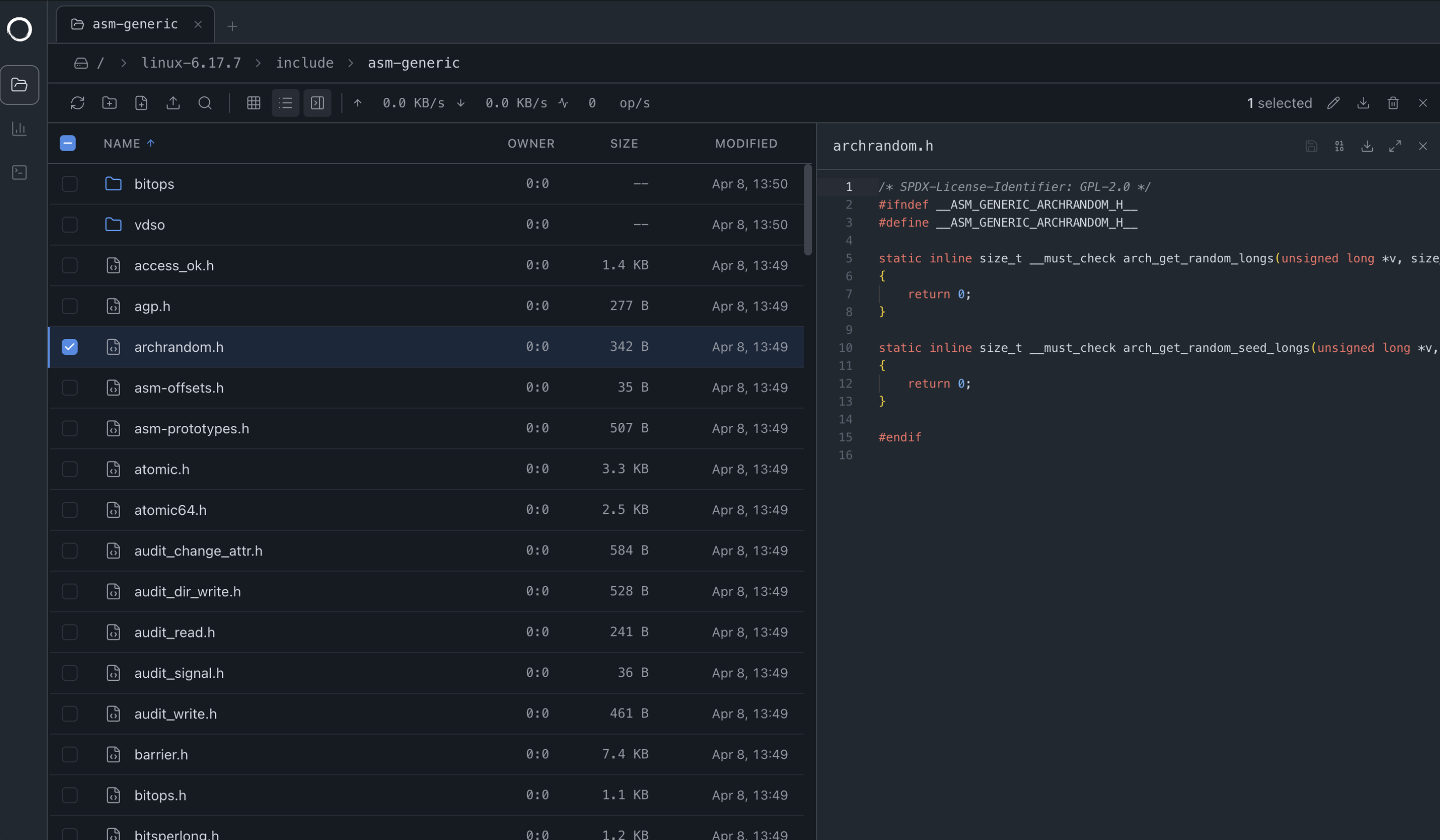
Tabs, drag-and-drop uploads (folders too), file previews, search.
Dashboard
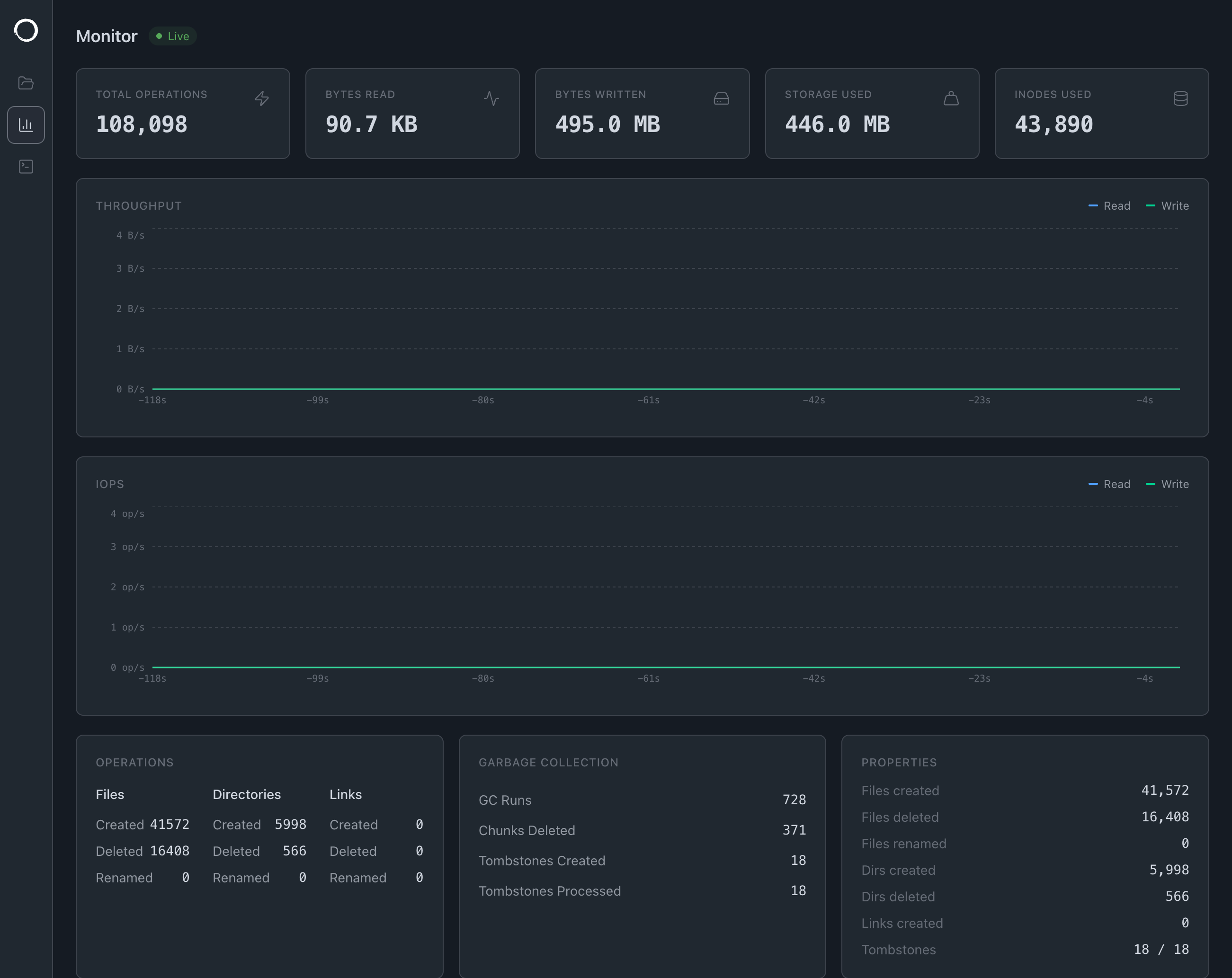
Streams live stats over gRPC-web: I/O throughput, IOPS, storage usage, operation counters, GC activity, and a file access tracer showing recent operations.
9P on the Web
The file manager doesn't use a REST API but speaks 9P, the same binary protocol that the Linux kernel speaks when you mount -t 9p. The transport is a WebSocket instead of TCP but the messages on the wire are identical.
We already had a 9P server that handles permissions, streaming, renames, directory listings and more. Building a REST API on top would have meant reimplementing all of that, so instead we wrote a 9P client in TypeScript and pointed it at a WebSocket.
When you open the UI, the browser connects to /ws/9p where the connection is upgraded and hands it to the same NinePHandler that serves other clients over TCP. From that point on the browser is just another 9P session.
The Terminal
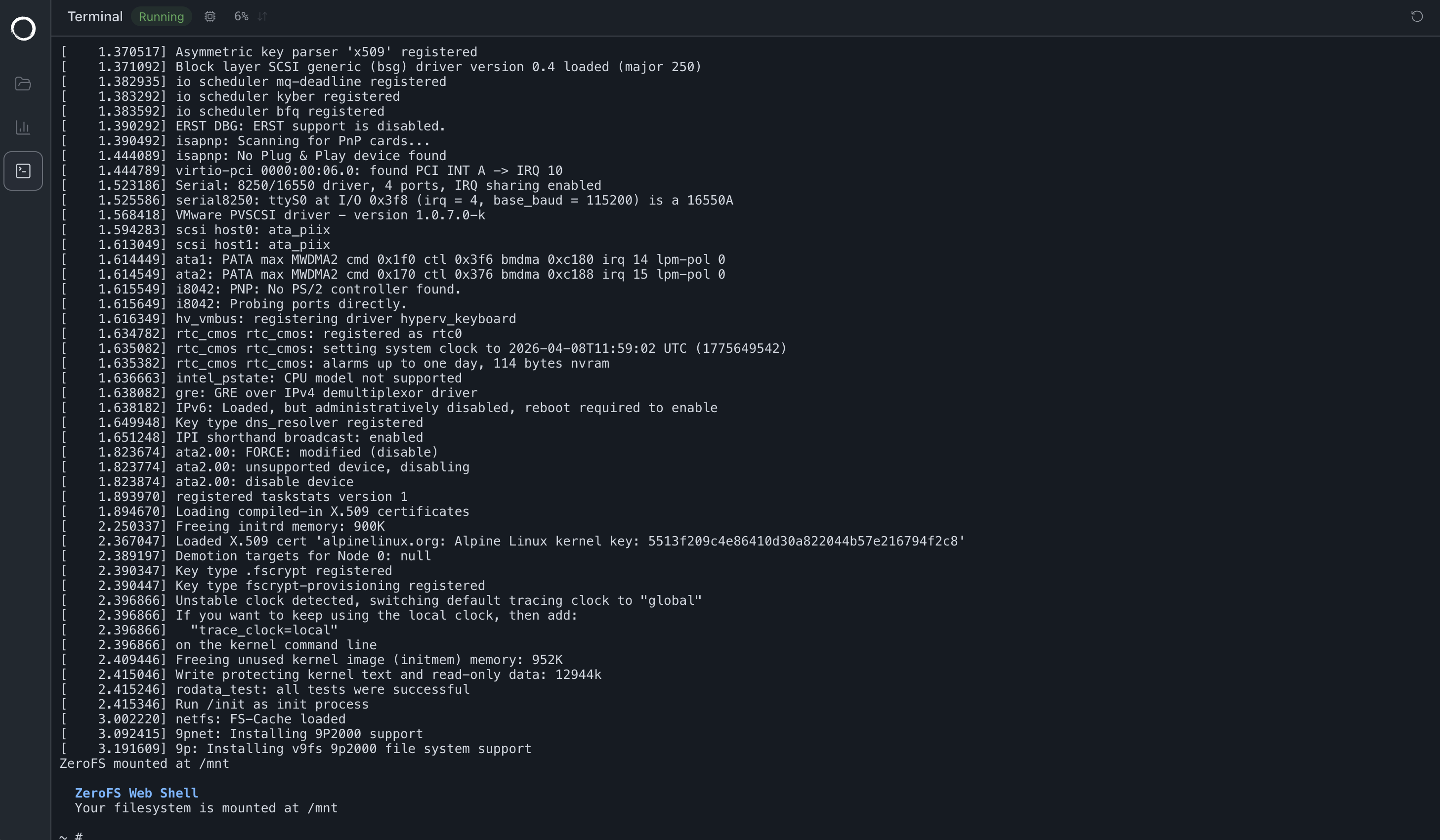
The terminal boots a Linux VM in the browser using v86, a JavaScript x86 emulator. It's a real Linux kernel with BusyBox coreutils so ls, cat, mkdir, rm all work and go through to S3.
v86 emulates a virtio-9p device that the guest kernel mounts with mount -t 9p -o trans=virtio, and v86 bridges that to a WebSocket back to ZeroFS:
sh → kernel 9P → virtio-9p (v86) → WebSocket → ZeroFS → S3
The VM has 128 MB of RAM, boots in a few seconds, and drops you into a shell at /mnt.